
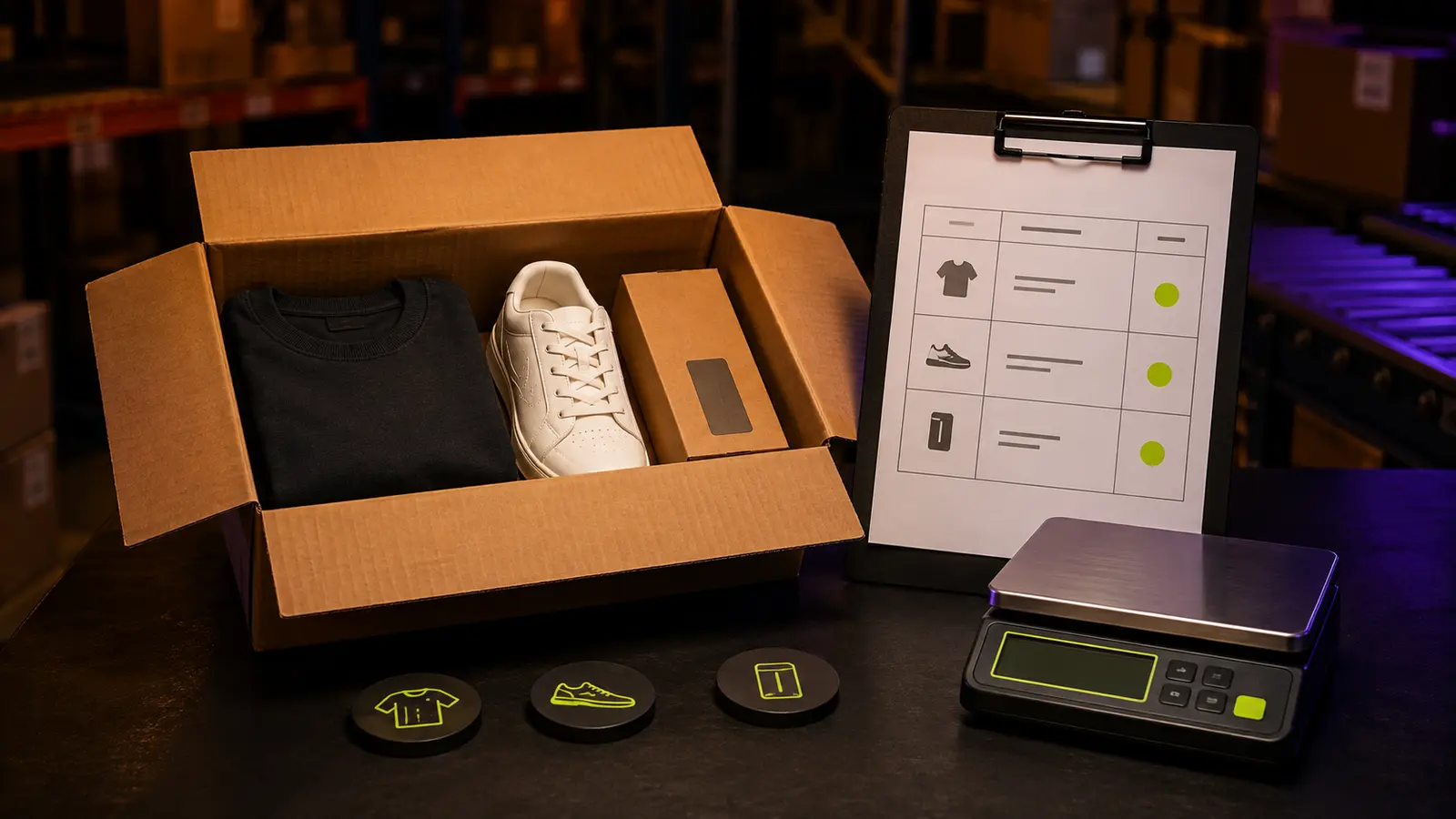
A customs declaration should describe the parcel that actually leaves the warehouse, not the shopping idea that existed before the items arrived. That distinction matters when a LitBuy order contains split quantities, substituted variants, removed packaging or products with transport-sensitive attributes. LitBuy's public Help Center currently groups customs matters with shipping and logistics, while its shipping estimator warns that customs policies vary by destination and that some goods may be prohibited, restricted or limited to particular routes. Those facts make declaration preparation an item-reconciliation task rather than a last-minute text box. This guide builds a practical record from purchase evidence, warehouse information and the current parcel plan. It does not predict duties or clearance. Its purpose is to help you describe every included item consistently, preserve the evidence behind each entry and stop submission when the parcel and the record do not match.
Build the declaration manifest before opening parcel controls
Start with a private manifest that contains only the warehouse items you intend to submit. Give every row the LitBuy warehouse identifier, original order identifier, plain product name, selected variant, quantity and purchase evidence location. Keep held, returned or unresolved items outside this list. A declaration record becomes unreliable when it includes the entire shopping history instead of the physical contents of one proposed parcel.
Freeze a first version before changing packaging or grouping. Mark each row planned, excluded or unresolved, and write the reason beside anything not planned. This creates a clean boundary for later checks. If you add an item after the first pass, treat it as a manifest revision and rerun every total. Number the versions and keep the authoring date visible, so you can distinguish a deliberate revision from an accidental omission. A parcel whose contents keep changing cannot support a stable declaration review.
Name the physical item in plain commercial language
Marketplace titles are often crowded with style claims, promotional phrases and seller codes. Rewrite each product as the object a person can identify: cotton T-shirt, synthetic running shoe, metal key ring or plastic storage box. Add a short qualifier only when it distinguishes the item that is actually packed. The goal is accuracy and consistency, not clever wording or the shortest possible label.
Do not use a vague category when a more direct name is visible from the order and warehouse record. Miscellaneous accessory does not explain whether the parcel contains a belt, phone case or necklace. At the same time, do not invent a material, model or use that the evidence does not confirm. Keep an unknown field open and resolve it before submission rather than turning a guess into a declaration fact.
Reconcile quantity and variant with warehouse evidence
Compare the manifest with the warehouse entry row by row. Confirm the visible quantity, colour, size, model and included pieces against the selected order variant. LitBuy presents warehouse and parcel workflows as separate stages, so successful storage should be treated as arrival evidence, not automatic proof that every order detail is correct. A two-piece set missing one component should not remain described as a complete set.
Handle split shipments carefully. If two warehouse records came from one marketplace order, map both to the original purchase without merging their quantities. If only one unit is going into the parcel, the manifest must show one even when the order page shows two purchased. The parcel declaration should follow the submitted physical group, while the order record remains supporting evidence for how those units were acquired.
Build a value trail from the actual transaction
Create a value-evidence column for each row. Preserve the amount associated with the purchased item, the currency displayed and the record where that amount appears. If one payment covers several units, keep the arithmetic that allocates the item-level amount. Do not substitute an old listing price, a spreadsheet estimate or a convenient round number simply because it is easier to enter.
Discounts, refunds, exchanges and partial quantities can make the displayed history harder to interpret. Record what changed and keep the underlying evidence together. Note whether the evidence refers to one unit or the full order, and do not silently divide a total when bundled items have different prices. This guide does not prescribe a universal customs valuation method because destination rules and transaction circumstances differ. When the platform or destination instructions require a specific basis, follow the current official instruction and retain the calculation that connects the entered value to your purchase record.
Separate product identity from transport attributes
A correct product name can still omit a characteristic that affects route eligibility or customs handling. Add separate fields for material, battery or power source, liquid or powder content, magnets, pressurised contents, sharp parts and other attributes visible in the current product information. These prompts are a research checklist, not a claim that every listed attribute receives identical treatment on every LitBuy route.
Record only what you can support. A warehouse photograph may confirm an external label or included component, but it cannot prove every sealed material. If an attribute is unclear, return to the seller specification or seek current platform clarification before treating the item as standard cargo. Do not hide an accurate attribute by choosing a softer product name. The physical item does not change when the description becomes less specific.
Check the destination and route as separate decisions
LitBuy's public shipping estimator states that customs policies vary by country and region and that certain items may be prohibited, restricted, constrained by size or limited to specific shipping routes. Record the destination and the route being considered beside the manifest. Then verify current availability and restrictions for the real parcel profile. A route shown for one destination does not establish permission for another.
Keep three notes separate: what LitBuy currently accepts for the route, what the carrier conditions require and what the destination rules allow. A positive result at one level does not answer the others. Record the date and destination used for every check; an undated screenshot cannot prove which conditions governed the parcel. If the chosen shipping line describes a particular customs or tax-handling arrangement, preserve the current wording rather than translating it into a guarantee. Recheck it at submission because route terms can change.
Keep restricted-item screening independent from declaration
A detailed declaration cannot make an ineligible item eligible. Run the site's restricted-item and shipping-eligibility check before finalising the declaration. If an item is unsupported for purchase, unsuitable for the selected route or unresolved under destination rules, remove it from the planned parcel until the issue is settled. Do not treat accurate data entry as permission to ship.
Likewise, a route estimate is not proof that customs clearance will succeed. The estimator helps compare current scenarios, while the declaration records the contents. Maintain both records and note the date of each check. If an attribute changes after warehouse review or packaging, rerun eligibility before returning to the declaration. This prevents a late discovery from being buried inside an otherwise complete manifest.
Audit both item rows and parcel totals
Run the first audit vertically, one item at a time. Check warehouse identifier, plain description, quantity, value evidence, physical attributes and inclusion status. Every row should end confirmed or unresolved. Then run a horizontal audit across the parcel: total units, number of warehouse records, total value calculation and list of special attributes. Totals often expose a missing line that individual reviews overlook.
Reconcile the final item count with the parcel preview or submission screen. If the screen groups similar goods, keep your private row-level mapping so the combined entry can still be explained. Save the calculation before payment. A clean total is not enough when its components cannot be traced, and perfect item rows are not enough when their sum differs from the parcel being submitted.
Create a compact pre-submission evidence packet
Store the final manifest with the order records, warehouse identifiers, accepted inspection images, value evidence and current route check. Add the destination, preparation date and parcel identifier when it becomes available. The packet should let you reconstruct why each description, quantity and value was used without searching through unrelated chats or several changing marketplace pages.
Keep decisive evidence, not every screenshot. One clear order record, one warehouse identity view and the relevant transaction detail are more useful than dozens of repeated status pages. Use filenames that begin with the manifest row number and item identifier, then store the final packet in one dated folder. Preserve original files and avoid editing screenshots in a way that removes context. If support or a customs process later asks about one item, you can isolate its evidence while still showing how it belongs to the complete parcel.
Freeze the declaration before submitting the parcel
Perform a final gate immediately before submission. Confirm the destination, selected warehouse items, quantities, descriptions, values, attributes, packaging choices and current route. If any field is unresolved, stop and investigate rather than submitting an approximate record. Save a timestamped copy of the final manifest and the visible parcel summary so later changes can be compared with the version you actually approved.
After submission, close the working file but retain it with the parcel record. If the platform requests a correction, add the new entry and reason instead of overwriting the original. Over time, these closed files reveal which product types repeatedly need better descriptions, which sellers provide weak specifications and where your counting errors occur. A disciplined LitBuy declaration workflow does not promise customs clearance; it gives the parcel a consistent, evidence-backed contents record.