
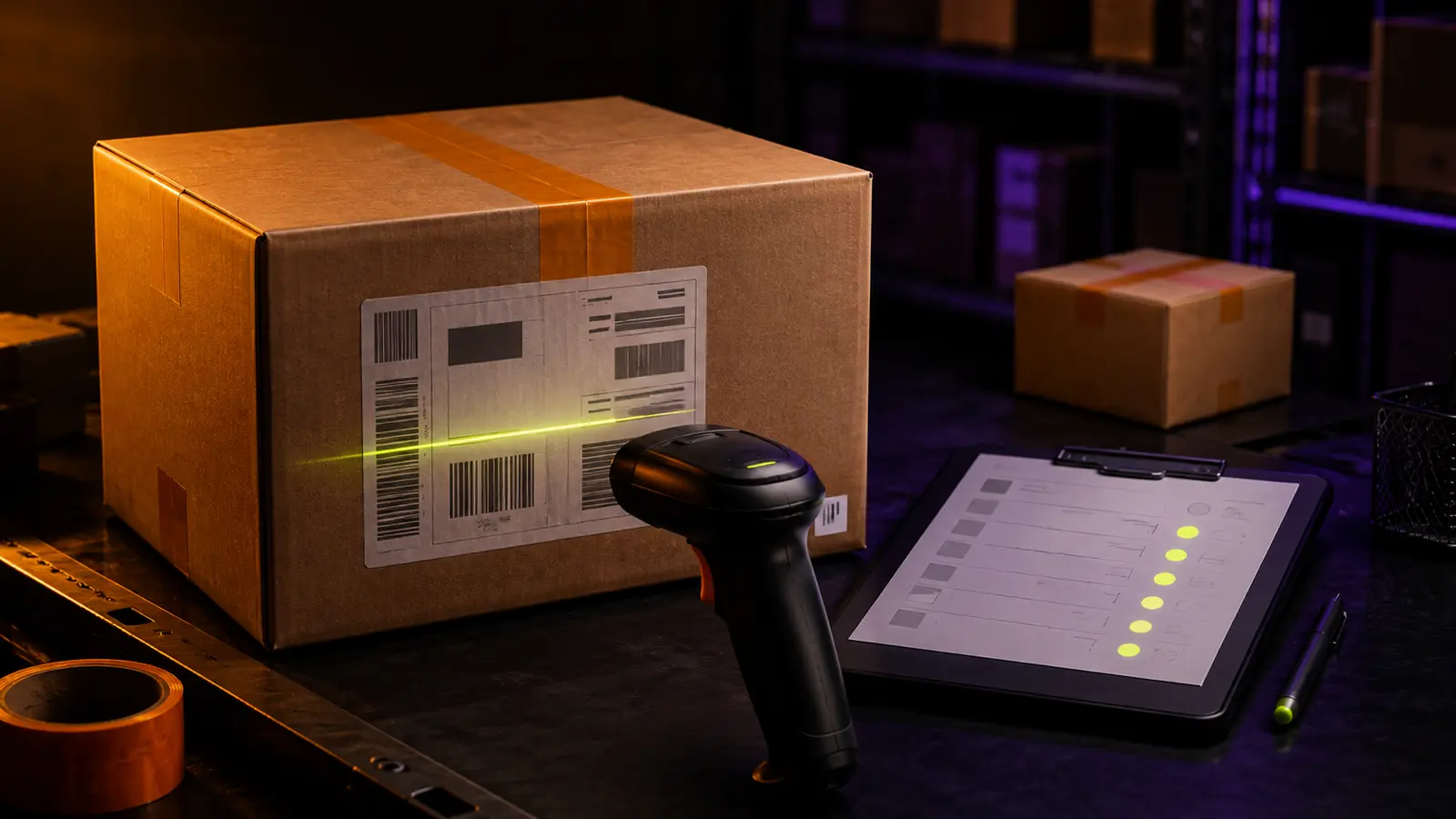
Forwarding begins outside LitBuy: you buy from a third-party seller, arrange delivery to the warehouse and then depend on one domestic parcel to connect those two systems. The weak point is identification. LitBuy's current forwarding page says the tracking number is the only identification of a forwarding order and warns users not to disclose it. Its mobile forwarding flow also says that adding the tracking number and package information creates a forwarding order ID. That makes the domestic number more than a way to watch a courier; it is the key that allows your expected parcel, forwarding record and warehouse receipt to be reconciled. This guide builds a disciplined intake file before delivery, handles split and combined shipments without guesswork, and defines what to check after the order becomes Stored. It does not assume a processing time or promise that a carrier scan equals warehouse acceptance.
Open the intake record before the seller dispatches
Create one intake row as soon as the outside purchase is confirmed. Record the seller or marketplace name, seller order number, purchase date, plain product description, selected variant, quantity and the evidence location for the transaction. Give the row your own short reference, but never mistake that reference for an identifier LitBuy can use. The purpose of this early row is to preserve what you expect before a label, split shipment or revised listing changes the picture.
Keep the expected contents at item level even when one checkout contains several products. A seller can later place those products in one carton or divide them among several. Add columns for expected parcel count, seller-confirmed parcel count and actual tracking count, leaving the last two unknown until evidence appears. This prevents the original checkout total from silently becoming a claim about the physical package that reaches the warehouse.
Separate every identifier by the job it performs
A forwarding purchase can accumulate several numbers: marketplace order number, seller item code, domestic courier number, your private intake reference and the LitBuy forwarding order ID created after registration. Put each in a named column. Never paste an order number into a tracking field simply because it is the only number visible. The courier number identifies movement of a physical parcel; the marketplace number identifies a commercial transaction; the LitBuy order ID identifies the record created inside the platform.
Preserve the number exactly as displayed, including leading zeros and letters. Copying it through a spreadsheet cell that reformats long numbers can break the match. Store a screenshot or seller dispatch record beside the text value, and note the carrier name only when the seller or tracking record confirms it. If the seller changes the tracking number, retain the original as superseded and add the replacement with the time and source of the change.
Register the real domestic tracking number, not an expectation
Use LitBuy's forwarding flow when an actual domestic courier number is available. The official page describes adding the tracking number and information about the package sent to the warehouse, after which a forwarding order ID is generated. Enter the number attached to the physical shipment. A seller message saying the goods will ship soon, a marketplace order number or a label draft without confirmed use should remain planning evidence, not a completed forwarding registration.
Before submitting, compare the final characters against the seller's dispatch page and the courier record. Then save the visible registration result and the generated LitBuy forwarding order ID in the same intake row. This creates a two-way bridge: starting from the purchase, you can find the LitBuy record; starting from a warehouse entry, you can trace back to the seller and expected contents. Do not rely on browser history or memory to rebuild that bridge later.
Treat the tracking number as both a key and private data
LitBuy currently calls the tracking number the only identification of a forwarding order and specifically warns users not to disclose the courier number. Follow that warning operationally. Keep the number in the forwarding form, your private ledger and a support packet only when support needs it. Do not post an uncropped label in a public haul, group chat or social feed. A barcode can reveal the same identifier even when the printed digits are blurred.
When sharing warehouse photos publicly, crop labels and remove machine-readable codes. Inside your private record, preserve the full evidence rather than editing the only copy. If another person helps manage the purchase, give access only to the relevant row and define who may submit or change the forwarding record. Confidential handling is not cosmetic: it protects the identifier that connects an outside shipment to your account workflow.
Use one row per physical parcel when an order splits
If a seller issues two domestic tracking numbers, create two forwarding rows even when both come from one marketplace checkout. Assign the expected products and quantities to each number using seller evidence. Where the allocation is unknown, write unknown rather than dividing the order evenly. Two carrier numbers describe two physical movements, and each needs its own registration and receipt result. Combining them into one line hides which carton is late, incomplete or unmatched.
The reverse case also matters. A seller may combine several marketplace orders under one courier number. Keep the purchase rows separate, then add one parcel layer that lists every order expected inside that carton. Register the physical parcel once and link all relevant purchase rows to it. This preserves commercial history without inventing multiple cartons. The rule is simple: purchase rows follow transactions; forwarding rows follow physical domestic parcels.
Track courier movement and LitBuy status independently
Maintain two status columns. The first holds the domestic carrier event; the second holds the LitBuy order status. LitBuy's public forwarding instructions tell users to follow the record in Orders and move to Warehouse once it shows Stored. A carrier delivery event and a Stored status therefore answer different questions. Delivery supports that the courier completed a handoff at the destination it recorded. Stored supports that the parcel has entered the LitBuy warehouse workflow under your account.
Do not overwrite one status with the other. Record the last meaningful courier event, its timestamp and location wording, then record the LitBuy status exactly as displayed. This creates a visible gap when delivery has occurred but warehouse receipt has not yet appeared. The gap is not proof of loss or delay by itself, so avoid inventing a deadline. It is a reason to preserve evidence and check the current forwarding record carefully.
Reconcile the warehouse receipt before inspecting products
When the order shows Stored, first match the warehouse entry to the registered tracking number and LitBuy forwarding order ID. Then compare the visible parcel or item count with the expected contents map. LitBuy's third-party tracking query exposes warehouse receipt as a separate checkpoint, which is useful evidence that intake occurred. It is not automatic proof that every expected product, quantity or variant is correct.
Run the receipt check in three passes: identity, quantity and condition. Identity asks whether this is the registered parcel. Quantity asks whether the number of units or packages is consistent with the seller record. Condition asks whether the available warehouse evidence shows an obvious packaging or product issue. Only after identity is secure should you merge this forwarding item into a larger QC or consolidation workflow. Otherwise, a wrongly matched parcel can contaminate every later decision.
Build an exception packet for an unmatched delivery
If the courier shows delivery but the expected forwarding order cannot be reconciled, prepare one compact packet instead of sending scattered screenshots. Include the full domestic tracking number privately, carrier name, dispatch and delivery events, seller order record, expected contents, LitBuy forwarding order ID, registration screenshot and the current Orders view. State the mismatch in one sentence: what evidence confirms delivery, what LitBuy status is visible and which receipt you cannot identify.
Check for your own data errors first. Compare every character, carrier, registration account and parcel count. Review whether the seller replaced the number, split the order or combined another purchase. If you find an error, preserve the incorrect entry and note the correction instead of erasing the history. If the record is accurate, use the current official support channel with the packet. Do not publish the tracking number while asking strangers to investigate.
Keep the storage clock separate from the intake clock
LitBuy's current storage guidance states that purchased and forwarded items can remain in the warehouse for up to 120 days beginning when they are stocked and listed. That boundary starts from warehouse stocking, not from seller checkout, label creation or courier delivery. Record the stocked date from the platform separately. Do not use the published maximum to estimate how long domestic intake should take, because it describes a different stage of the workflow.
Once the item is stocked, connect the intake row to your warehouse calendar. Mark QC status, unresolved contents, return or exchange decisions and intended consolidation group. A long storage allowance does not resolve a wrong item, missing unit or private seller deadline. The intake record should hand off a verified identity promptly, so the later warehouse plan begins with known goods rather than an anonymous box that happens to be visible in the account.
Close the forwarding record with a complete custody chain
Close intake only when four elements agree: the seller dispatch evidence, domestic tracking number, LitBuy forwarding order ID and warehouse receipt. Add the Stored date, warehouse item identifiers and result of the first contents check. Mark any difference as an open exception instead of forcing the row to complete. This small gate prevents an unresolved inbound problem from disappearing when several warehouse items are selected for one international parcel.
Retain the closed record with the later parcel file. It should show the chain from third-party purchase to seller dispatch, domestic movement, LitBuy registration and warehouse stocking without relying on a public link or changing marketplace page. The method does not guarantee that every seller or carrier event will be complete. It gives you a defensible way to identify the parcel, protect its key number, ask a precise support question and move only verified contents into shipping preparation.